Google Chrome
Safe, fast, and reliable browsing with Google Chrome

Safe & Secure
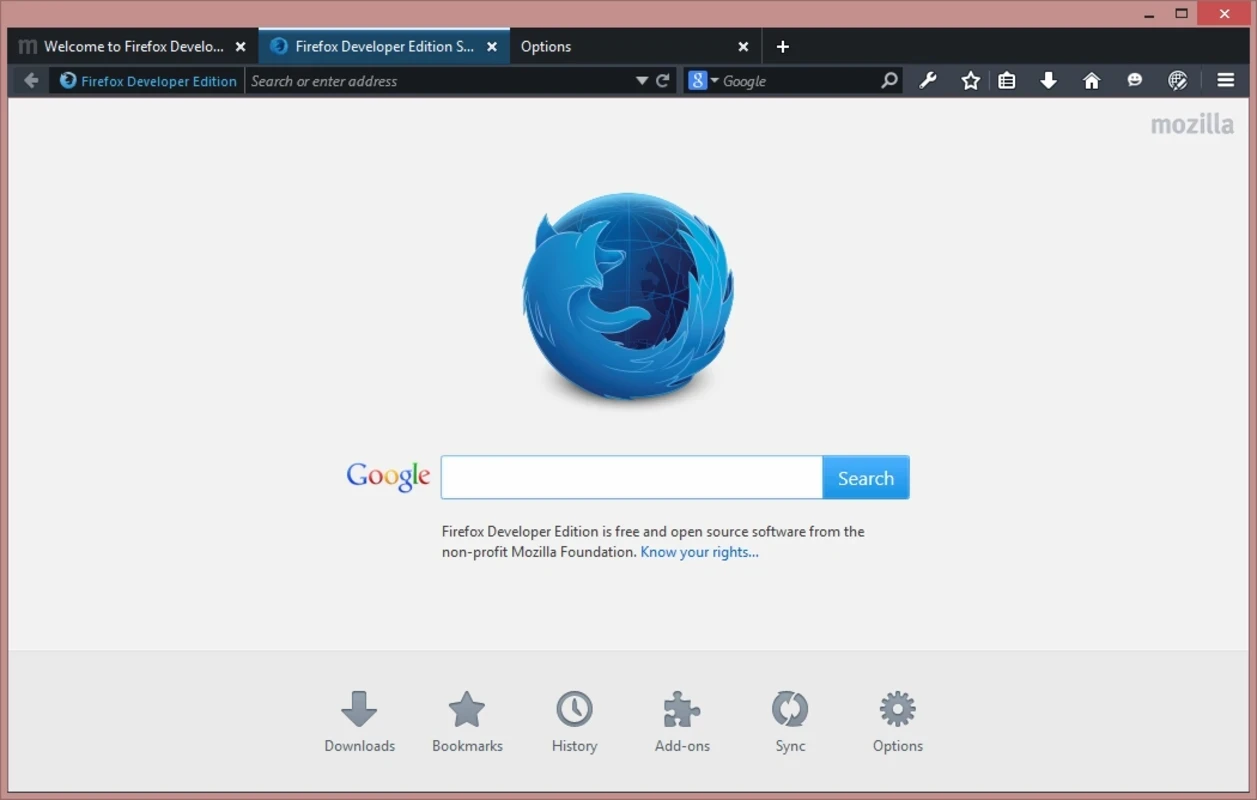
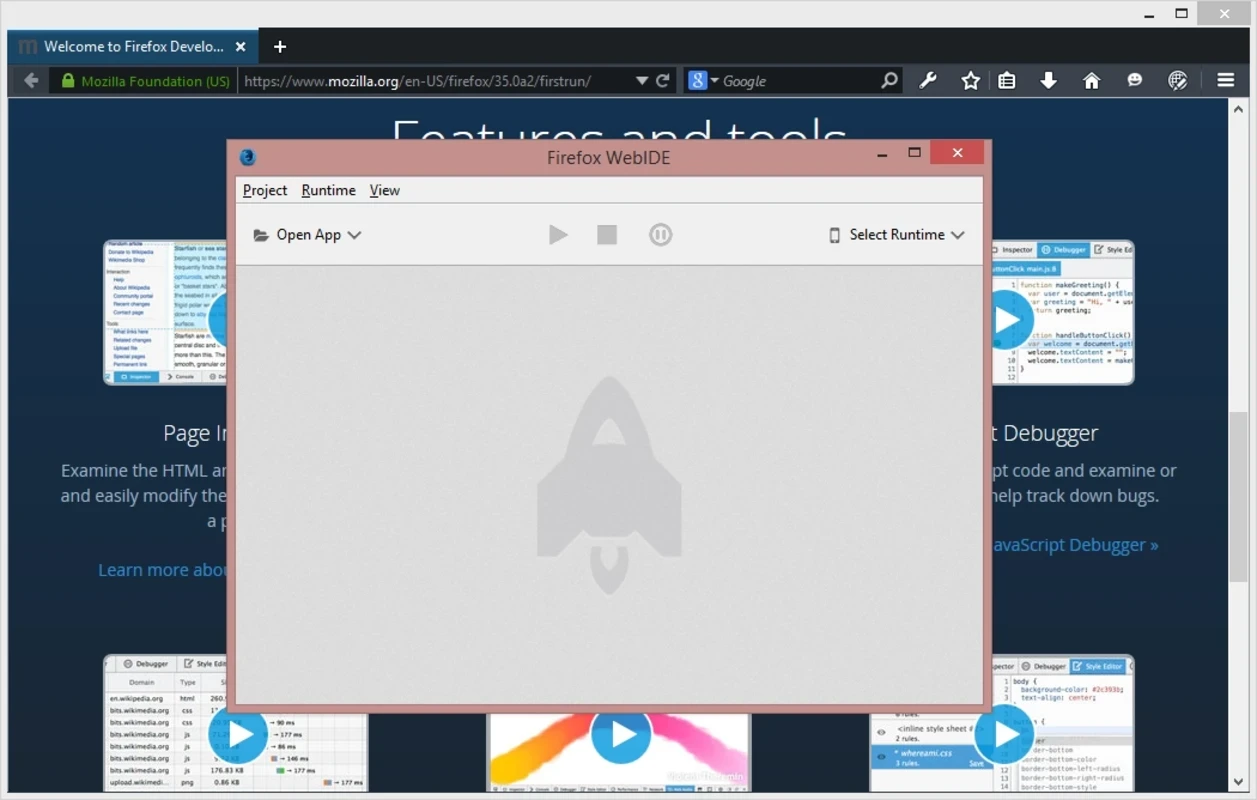
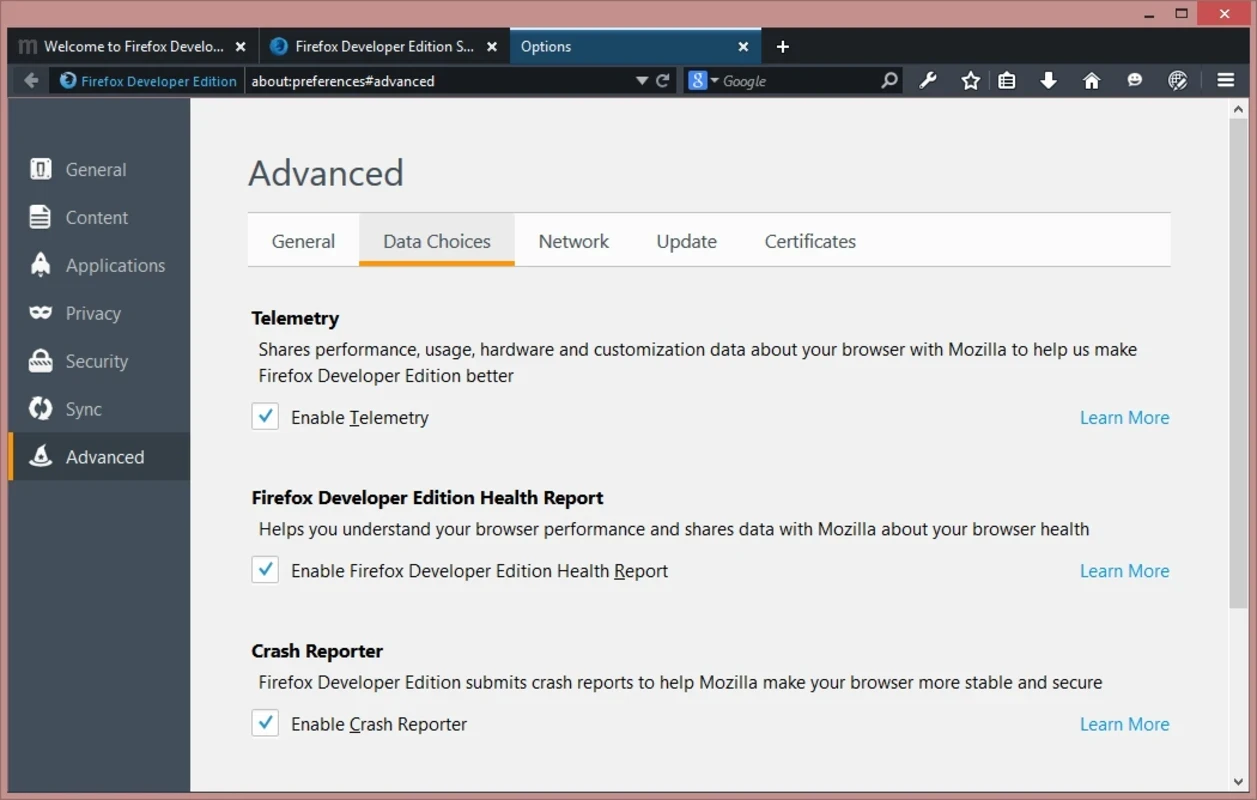
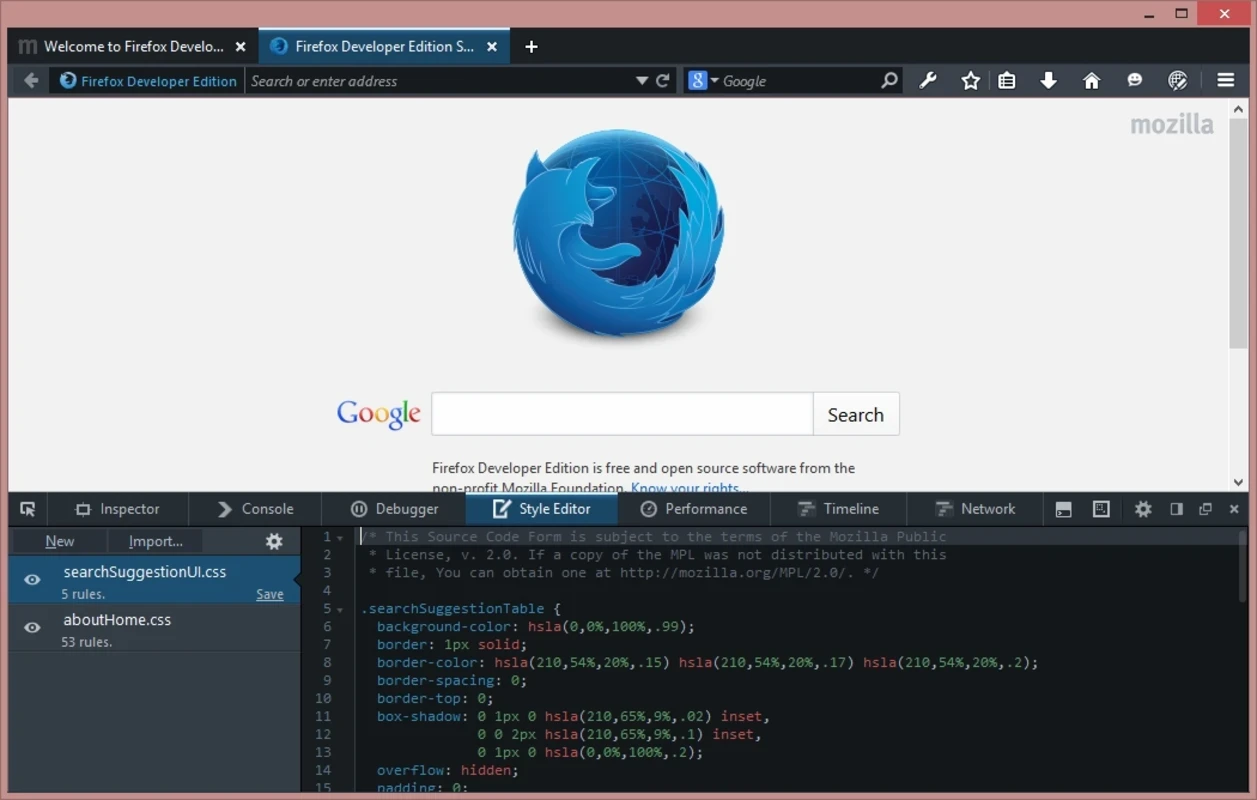
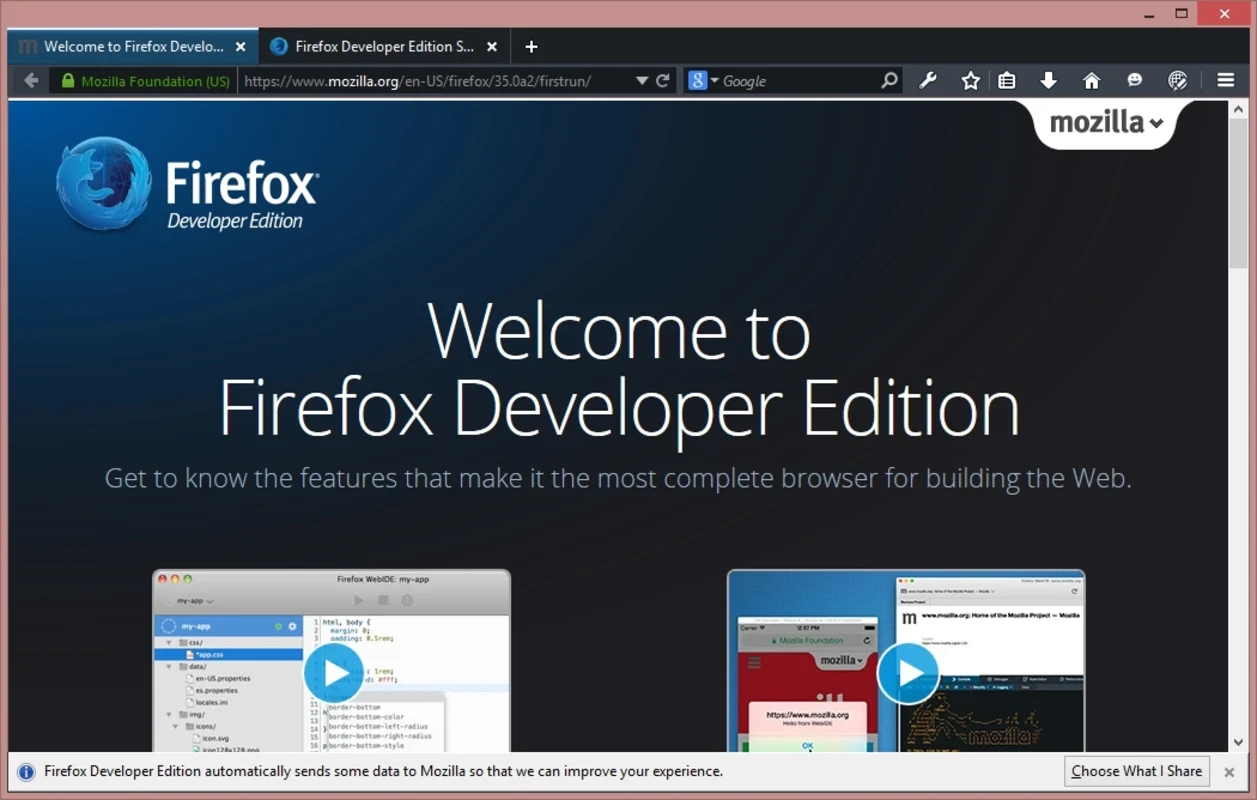
Firefox Developer Edition is used to test the upcoming web technologies and become part of the Firefox family, offering their feedback. In this way, they can help the official Firefox developer team fix any issues that occur during the testing procedure.
It is the best alternative to the stable version for offering test versions of the browser before they are officially distributed for public use. It offers the best services for web developers such as built-in debugging, improved performance monitoring, and an intuitive interface with quick navigation options.
Firefox Developer Edition, developed by Mozilla Foundation, falls under the Web Browser category and is a free-to-use software offering feature-rich functionality aimed at web development. It is the replacement for the Aurora version to offer an updated version of the browser within 6 weeks, before new updates are released on the stable version.
The app is embedded with cutting-edge tools to tailor efficient web development, enabling web developers to access experimental features, test them, and give their feedback. You can also run it with the stable version.
At first sight, you will notice the app is quite similar to the stable version, offering the same tabbed interface, and it is also possible to use it alongside the Beta or stable Firefox version. However, the main screen offers more of the functionality included in the Developer edition. It also includes the developer tools that are part of the Beta version. It means the app has an unstable testing environment with unsigned add-ons and experimental functions. In addition, the developers are also capable of experiencing multiple upcoming features and giving feedback to Mozilla.
The app features a well-organized and clean dark-themed UI to offer enhanced productivity. The dark-theme capability proves cool, reducing eye strain. It ensures easy navigation throughout the functionality, including tabs and toolbars, to make the development tools easily accessible. You can reliably debug, monitor the network, and perform analysis using the well-structured layout of the Developer Tools menu.
The app offers multiple advanced Development tools such as a JavaScript debugger, allowing users to analyze and debug JavaScript and CSS. It relies on React and Redux, and a fonts panel is used to offer insights on the used fonts, including font type, source, style, and other details. It also offers a master tool for manipulating CSS grids. The featuring of JavaScript Profiler feature helps to detect and optimize slow scripts to enhance performance.
It helps to refine code with the help of the code inspector and the embedded web console, and also a style editor for editing and managing CSS stylesheets in Firefox. It also includes multiple innovative functionalities such as network monitoring, managing storage, and a memory leaks tracker for optimizing the web app.
The developers are capable of inspecting and managing multiple tasks using innovative tools. So you can use the drop-down menu available on the toolbar in different scenarios such as creating, editing, and testing projects on several devices and browsers. It also enables users to create web pages and applications for Firefox OS using the built-in development kit, called WebID. Moreover, you can use a built-in extension for viewing and editing projects on multiple devices, including smartphones and tablets, or checking page display on other browsers such as Chrome or Safari.
The app offers multi-theme support to offer an optimized development to offer a visually appealing and distraction-free environment. The availability of a dark visual theme and other advanced features makes the app quite different from the stable version, making it one of the most favorite versions; regardless of whether the users are developers or users who are seeking a platform to know everything in advance about their favorite browser.
You will find optimized performance, as the app offers a solid toolbox, tailored to the particular requirements of web developers. It enables users to test and optimize web applications, and the inclusion of new upcoming features allows users to reliably experiment with new features and send feedback to the official developer team. In this way, you not only enjoy new features in advance, before they are released officially, but also participate in fixing issues with new features.
The installation process is straightforward with easy configuration, as it is possible to set the app according to your preferences. You need to sync settings and extensions across devices by signing in to Firefox Sync. You can access Developer Tools by clicking F12 or Ctrl + Shift + I and start using the app, such as analyzing page elements using the Inspector. The Responsive Design Mode is available to test website responsiveness, debug JavaScript using the Console and Debugger tabs, and use Network Monitor and JavaScript profiler for optimized performance.
Pros
Cons

Safe, fast, and reliable browsing with Google Chrome

Opera offers the best browsing functionalities including built-in VPN, ad-blocker, and Turbo mode.

Fast Browsing with offering Cutting-edge Security and Speed.

UC Browser for PC, the leading mobile browser now available for PCs

Cent Browser is a Chromium-based browser with seamless browsing online

Firefox can display a large number of pages and extra capabilities that can help you online very fast.